
Before going available
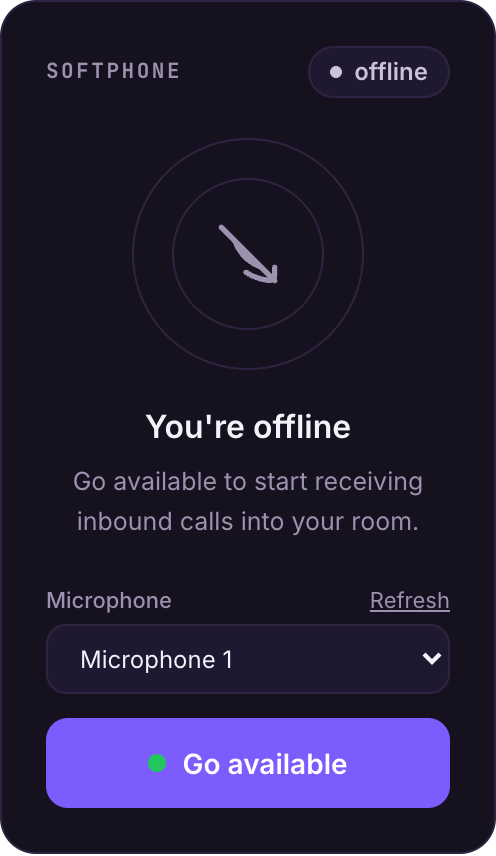
Sign in to the agent workspace and confirm the browser has the permissions your calling setup requires. Check that the intended microphone and audio output are selected, and make one short test before a busy period.
In Dialviction, the ring step selects agents marked available who remain within the configured call limits. Set your availability when you are ready to receive an offer. Set yourself unavailable before stepping away.
When an offer arrives
Read the caller context shown in the offer, then answer when you can take the call. If you cannot take it, decline it promptly so the configured flow can continue. Avoid leaving an unanswered offer open while you attend to another task.
- Use mute when you need to pause the microphone during a connected call.
- End the call from the workspace when the conversation is finished.
After the conversation
Open history and find the caller and start time. Check the outcome, total duration and listed charge. For an unexpected missed call, look up the ring rule in the flow editor.
Make a short note of anything that requires a routing change. One clear observation tied to a call record is easier to investigate than a vague report that calls are being missed.
Practice the controls
The workspace example uses a sample caller and does not place a call. Answer or decline it, try the in-call controls, end it, then show the next offer to return to the start.